
Technology
5 min read
Samsung's January Update Arrives for Galaxy S25 and Foldable Phones
Droid Life
January 20, 2026•1 day ago
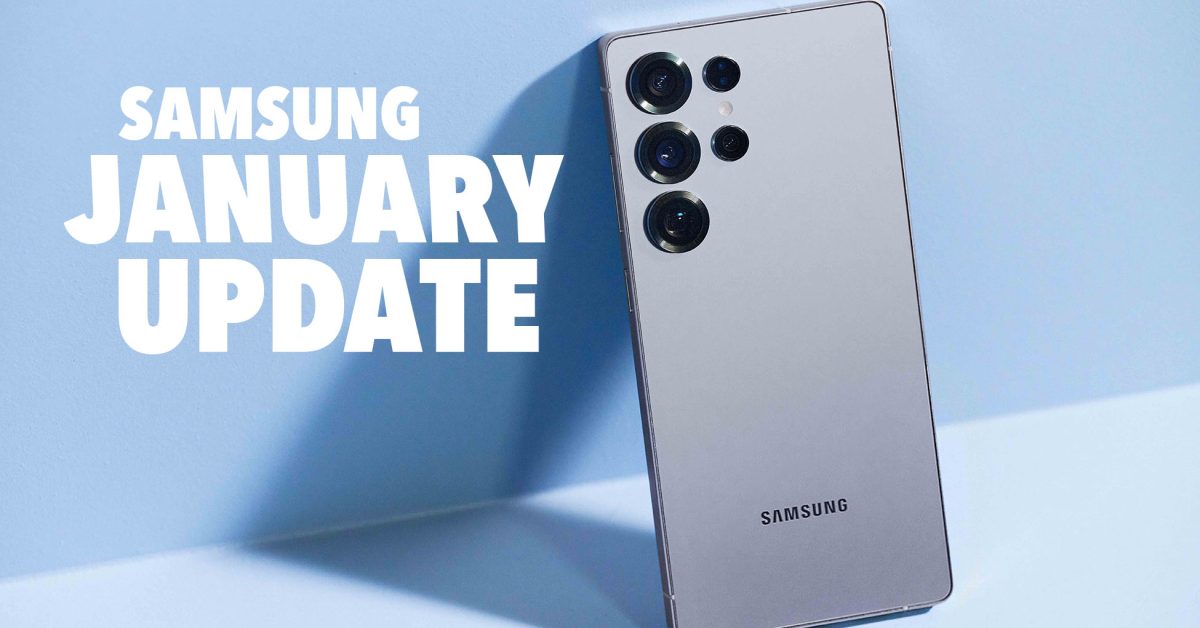
AI-Generated SummaryAuto-generated
Samsung has released its January security patch for several Galaxy devices, including the S25 series and the latest foldables (Z Fold 7/6, Z Flip 7/6). These updates focus solely on providing the most up-to-date Android security patches, with no new features or camera improvements included. This rollout is expected to continue for other Samsung models.
The new year has brought out another month of fresh updates for Samsung devices. The Galaxy S25 line, as well as the two most recent foldables from Samsung, are all seeing new builds and security patches.
Samsung 2026 January updates are available for the Galaxy S25 Ultra (and all other Galaxy S25 devices), Galaxy Z Fold 7 and Fold 6, and Galaxy Z Flip 7 and Flip 6. This is likely only the beginning, though, as so many other Samsung devices, like the Galaxy S24 and Galaxy S23 series are still very much within their window of support. The foldable side of things looks the same, with so many Fold and Flip devices scheduled to continue to receive updates for years to come.
This new round of updates that you can download on your Samsung phone is really nothing more than a January security patch. Verizon details that it “provides the most up to date Android security patches” and nothing more. No mention of new camera or software features can be found this time around. But that’s not surprising, since we know One UI 8.5 is right around the corner with a revamped Bixby that is powered by Perplexity AI.
Samsung January Updates (2026)
Galaxy S25 Ultra: S938USQS7BYLR
Galaxy S25 Edge: S937USQS4BYLR
Galaxy S25+: S936USQS7BYLR
Galaxy S25: S931USQS7BYLR
Galaxy Z Fold 7: F966USQS7AZA1
Galaxy Z Fold 6: F956USQS2CYL5
Galaxy Z Flip 7: F766USQS7AZA1
Galaxy Z Flip 6: F741USQS2CYL5
Those are all of the new builds you’ll find for your devices, at least here in the US.
To check for Samsung updates, head into Settings>Software update>Download and install.
Rate this article
Login to rate this article
Comments
Please login to comment
No comments yet. Be the first to comment!