
Technology
4 min read
Turn Your Nintendo Switch Photos into Instax Prints
Creative Bloq
January 18, 2026•4 days ago
AI-Generated SummaryAuto-generated
Nintendo Switch users can now print photos taken in-game to physical Instax prints. The process involves transferring images from the console to a smartphone, then using a compatible portable printer, like the Instax mini link 3, to print them. This allows for real-life physical copies of in-game snapshots.
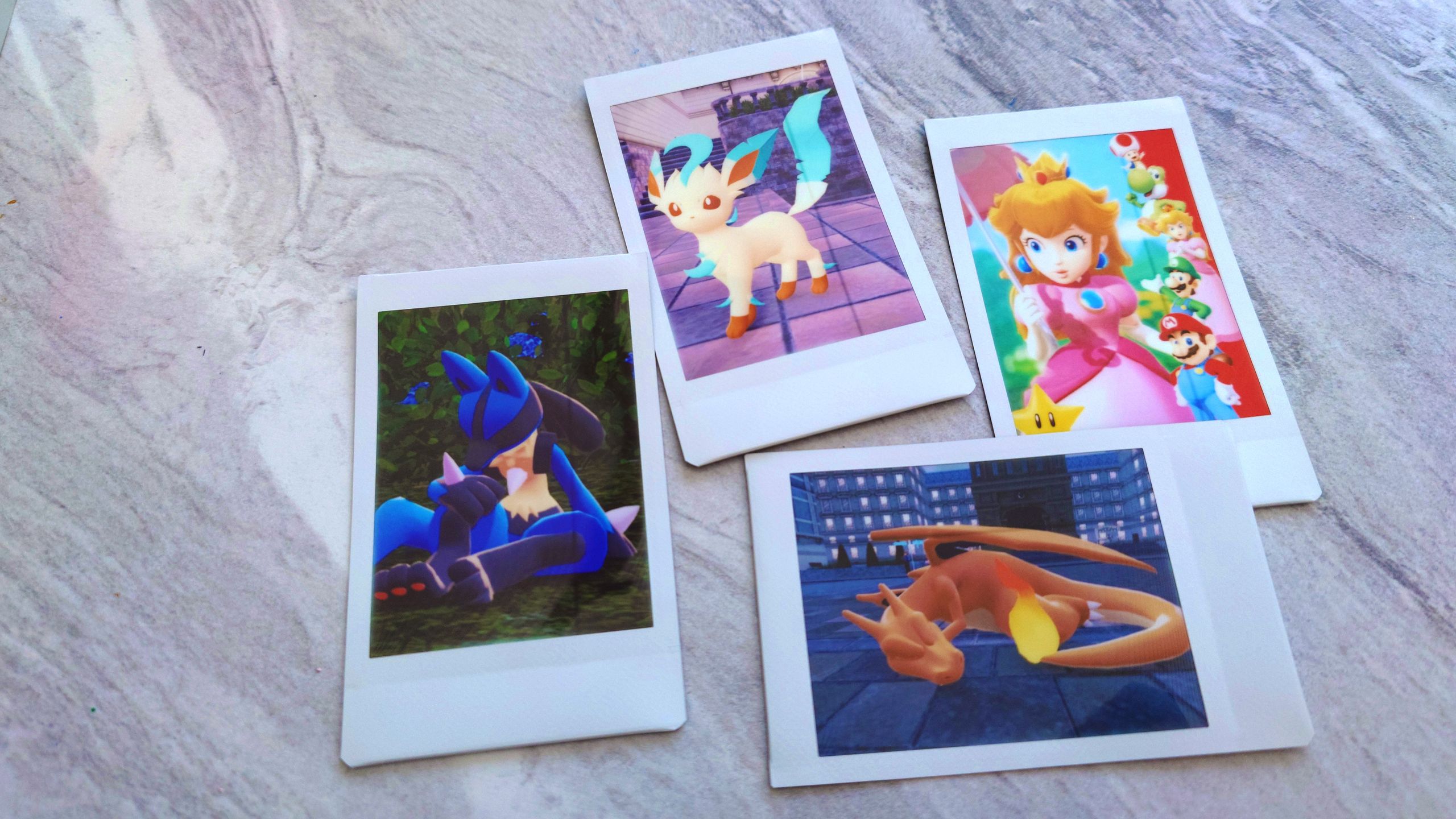
I've been playing a lot of Pokémon Legends Z-A lately, and I love getting to take cute snaps of my Pokémon using the photo mode. But...It gets even better than this. I discovered that you can turn photos captured on your Nintendo Switch 2 console into real-life physical prints in a matter of minutes.
To do this, you'll need a Nintendo Switch (1st or 2nd gen) console, a smartphone to download the compatible apps, and a portable smartphone printer. Instax let me test out its Mario-themed mini link 3 for a few weeks, so this is the one I'll be using to explain the process.
In simple terms, you basically need to transfer images from your Switch console to your smartphone, and then use the necessary apps to send the images over to your printer of choice. Take a look at the video I put together below for a demonstration using the Switch 2.
How to print photos from a Switch 2
For Switch 1 owners, follow the instructions at the bottom of this guide as the process is slightly different and requires a QR code.
While you can technically use any smartphone printer with app control or Bluetooth for this process, I personally love using Instax mini film. It's the perfect size for displaying on a pinboard or for sharing with others, and the quality feels premium, too.
Rate this article
Login to rate this article
Comments
Please login to comment
No comments yet. Be the first to comment!