
Technology
25 min read
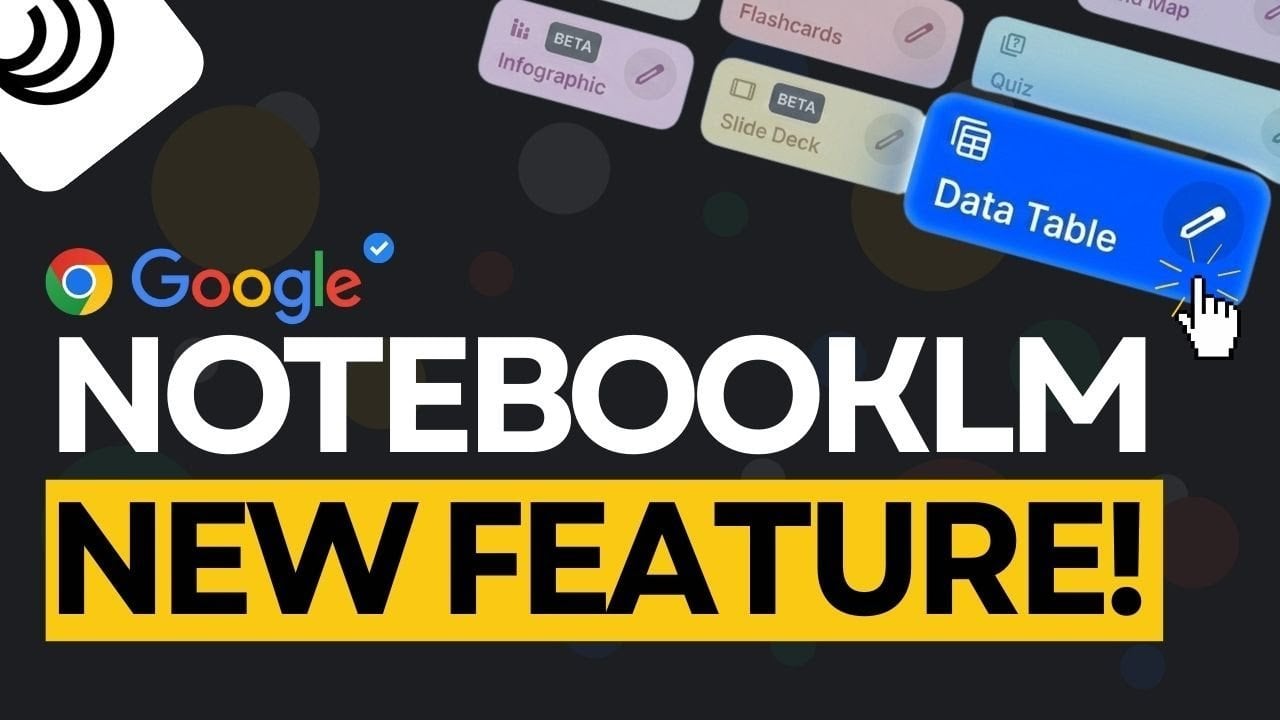
Unlock Your Data: NotebookLM's New Free Data Tables Feature Explained
Geeky Gadgets
January 18, 2026•4 days ago
AI-Generated SummaryAuto-generated
Google NotebookLM's new Data Tables feature transforms unstructured information into organized tables. This tool, free for Google users, converts data from sources like PDFs and Google Docs, saving time on manual organization. It offers customization for various needs, including academic research, project management, and personal planning, enhancing productivity.
Imagine turning a chaotic pile of research notes, meeting summaries, or travel plans into a perfectly organized, actionable table in seconds. Sounds like a dream, right? Below, Universe of AI breaks down how Google’s latest NotebookLM upgrade, the Data Tables feature, is making this a reality. This new addition is designed to transform unstructured information from sources like PDFs and Google Docs into clean, customizable tables, saving users countless hours of manual effort. Whether you’re a researcher drowning in data or a professional juggling multiple projects, this feature promises to transform the way you organize and analyze information.
In this guide, you’ll discover how Data Tables can simplify even the most complex workflows. From summarizing academic findings to structuring project timelines, this feature adapts to a wide range of needs, offering both clarity and flexibility. You’ll also learn how its seamless integration with existing formats ensures compatibility with your current processes. Curious about how this could reshape your productivity? Stick around to explore the possibilities, and rethink how you manage your information.
Google NotebookLM Data Tables
Understanding Data Tables
The “Data Tables” feature simplifies the process of organizing scattered and unstructured information. Whether you’re working on academic research, compiling meeting notes, or planning a trip, this tool allows you to extract key details and arrange them into clean, structured tables. By integrating seamlessly with widely used formats like PDFs and Google Docs, Data Tables ensures compatibility with your existing workflows, making it a practical solution for both professional and personal use.
This feature is particularly useful for tasks that require clarity and organization. For example, academic researchers can summarize findings, while professionals can streamline project management. The ability to convert unstructured data into a structured format not only saves time but also reduces the cognitive load of manually organizing information.
How Data Tables Work
The functionality of Data Tables is straightforward yet powerful. You start by inputting unstructured data, which the tool then converts into a table format. For instance, if you’re analyzing a research paper, you can extract critical findings and organize them into columns for easier comparison. Similarly, meeting notes can be transformed into actionable summaries, with fields for tasks, deadlines, and team responsibilities.
This feature is particularly effective for breaking down complex information into manageable components. For example:
Research papers can be summarized with columns for hypotheses, methodologies, and results.
Meeting notes can be structured with fields for action items, deadlines, and team assignments.
Travel plans can be organized into tables listing destinations, budgets, and activities.
By automating the process of structuring data, Data Tables allows you to focus on analysis and decision-making rather than manual organization.
Google NotebookLM Just Got a Major Upgrade
Stay informed about the latest in Google NotebookLM by exploring our other resources and articles.
NotebookLM Alternative Open Notebook Lets You Build a Private AI
Google NotebookLM Deep Research, AI Research Assistant Update
Using Google NotebookLM with Gemini 3.0 for Smarter Research
Google NotebookLM Update, New Learning Tools & Deep Search
Google NotebookLM vs Google Bard with Gemini Pro
New Google NotebookLM Update : Faster Research, Source
NotebookLM Guide for Fast, Professional Infographics Creation
5 Excellent NotebookLM Features You’re Probably Not Using
NotebookLM Update Expands Prompt Limit to 10,000 Characters
Guide to Mastering Google’s NotebookLM for Beginners
The Importance of Customization
One of the standout aspects of Data Tables is its high degree of customization. This feature allows you to tailor the structure of your tables to meet specific needs, making it versatile for a wide range of applications. For example:
Researchers can create tables with columns for key insights, methodologies, and results to streamline their analysis.
Professionals can organize project details, such as timelines, deliverables, and team responsibilities, for better project management.
Students can structure study materials by summarizing historical events into tables with dates, key figures, and impacts.
Travel enthusiasts can plan trips by listing destinations, budgets, and activities in an organized format.
This flexibility ensures that the tool is equally effective for academic, professional, and personal projects. By allowing you to customize the layout and content of your tables, Data Tables adapts to your unique requirements, making it a valuable addition to your workflow.
Applications Across Different Fields
The versatility of Data Tables makes it applicable across a wide range of scenarios. Here are some practical examples of how this feature can be used effectively:
Business: Track project timelines, assign tasks, and monitor progress with structured tables.
Science: Organize experimental data, such as sample sizes, variables, and outcomes, for easier analysis and overviewing.
Education: Simplify complex topics into digestible tables, making study materials more accessible and organized.
Travel: Plan vacations with detailed itineraries, budgets, and activity schedules for a seamless travel experience.
By offering a structured way to manage information, Data Tables helps you focus on deriving insights and making informed decisions rather than spending time on tedious organizational tasks.
Additional Features of NotebookLM
Beyond Data Tables, NotebookLM includes several other tools designed to enhance productivity and streamline workflows. For instance, you can generate slide decks directly from your notes, making it easier to create presentations. While the current version offers limited customization for exported PDFs, Google has announced plans to expand these capabilities. Future updates are expected to include improved customization options for slide decks and infographics, further enhancing the platform’s utility for both web and mobile users.
These additional features demonstrate Google’s commitment to creating a comprehensive platform that caters to a variety of user needs. Whether you’re preparing a presentation, organizing research, or managing a project, NotebookLM provides tools to simplify your tasks and improve efficiency.
Enhancing Productivity with Data Tables
The introduction of Data Tables underscores Google’s dedication to simplifying complex workflows and improving user productivity. By allowing you to organize and analyze information more efficiently, this feature supports a wide range of tasks, from brainstorming and planning to research and project management. Whether you’re a researcher, educator, or business professional, Data Tables can help you focus on what matters most: generating insights and making informed decisions.
Future Developments for NotebookLM
Looking ahead, Google plans to continue refining NotebookLM with additional features and integrations. Potential updates may include advanced options for creating infographics, improved compatibility with a broader range of file types, and enhanced customization tools. These developments aim to make the platform even more adaptable to your needs.
For now, the introduction of Data Tables represents a significant advancement in helping you manage and analyze information with ease. Whether you’re tackling academic projects, organizing professional workflows, or planning personal endeavors, this feature offers a practical and efficient solution to streamline your efforts.
Media Credit: Universe of AI
Share
Tweet
Pin
Email
Filed Under: AI, Guides
Latest Geeky Gadgets Deals
Disclosure: Some of our articles include affiliate links. If you buy something through one of these links, Geeky Gadgets may earn an affiliate commission. Learn about our Disclosure Policy.
Rate this article
Login to rate this article
Comments
Please login to comment
No comments yet. Be the first to comment!