
Technology
6 min read
Unlock Smoother Reading with This Secret Kindle Gesture
Pocket-lint
January 20, 2026•2 days ago
AI-Generated SummaryAuto-generated
A hidden Kindle gesture allows users to quickly adjust font size. Pinching fingers outward increases text size, while pinching inward decreases it, similar to smartphone zoom. This action reveals a mini-menu for further adjustments without leaving the current page, enhancing the reading experience by streamlining access to customization options.
Deep in the Kindle user manuals, there's a plentiful bounty of secret motions and features. While some functions, like screenshotting on your Kindle, are next to impossible to discover on your own, I stumbled across a gesture that earned an audible (and delightful) gasp from me: changing the font size.
I'm not talking about going through all the motions and hoops to normally get to the screen that lets you adjust font size. There's a movement you can do with your fingers that pulls up a mini window you can use to increase or decrease the lettering, all without leaving the page you're on behind a wall of menu tabs.
How do you do it? Read on to find out.
The shortcut to make your Kindle's font bigger or smaller
Just like zooming in or out
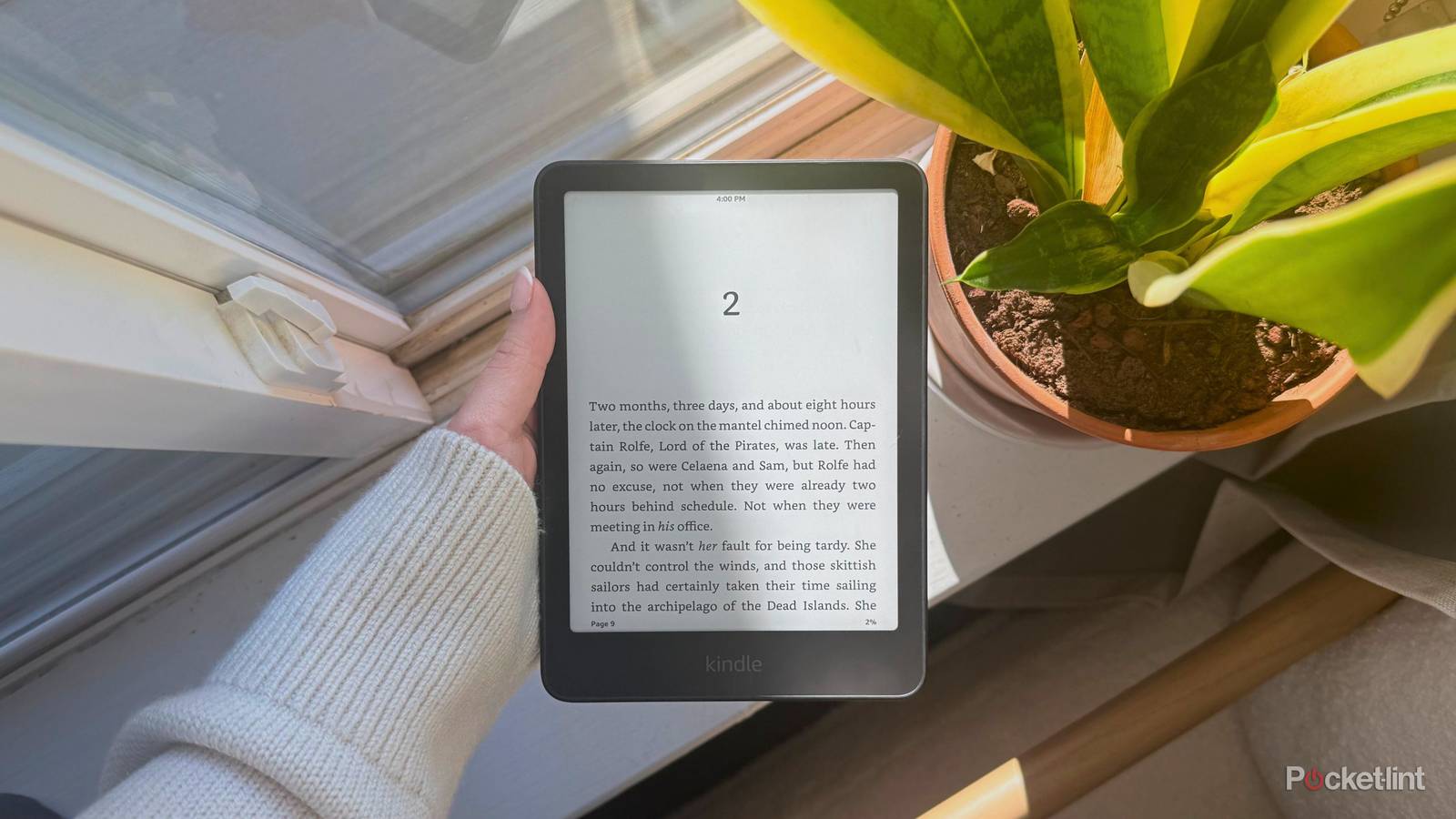
It's intuitive, like most Kindle features: pinch two fingers away from each other (like you're zooming in on a regular touchscreen) to increase the font size, and pinch two fingers toward each other (like you're zooming out) to decrease the font size. Whichever gesture you choose will automatically take the font size up or down just one point, and pull up a menu that lets you further adjust it using plus or minus toggles.
The menu disappears fast -- probably because the function was designed to let you get back to your book as quickly as possible. I stumbled upon this right in the middle of my science-fiction romance. It felt quite stupid at first -- I was using an iPad a few minutes before and had become acclimated to the zoom feature. The moment I tried zooming in on my Kindle, I scoffed at myself. But when I was met with a menu I hadn't seen before and was rewarded with the movement actually working, I was overjoyed.
And now, dear reader, you can use it too.
Rate this article
Login to rate this article
Comments
Please login to comment
No comments yet. Be the first to comment!