
Technology
7 min read
Google Messages Unveils Smart Time-Saving Trick
Android Police
January 19, 2026•3 days ago
AI-Generated SummaryAuto-generated
Google Messages is developing a new feature to simplify copying links from messages. Currently, users must copy the entire message and then manually extract the URL. The upcoming update will introduce a "Copy URL" option, allowing users to directly copy only the embedded link. This enhancement aims to streamline the process and save users time.
Google Messages may not be the best messaging app in every scenario, but it offers a plethora of features, enough to get the best text messaging on Android. What also works in Google Messages' favor is that Google keeps adding new features throughout the entire year, offering users new reasons to stick with the app.
We are just a few days into the year, and Google Messages is already working on some exciting changes for its messaging app. A couple of days ago, we reported that Google Messages is reworking one of its genius features to make messaging less stressful. Additionally, another smart trick is in the works to address a common issue with Google Messages, according to Android Authority.
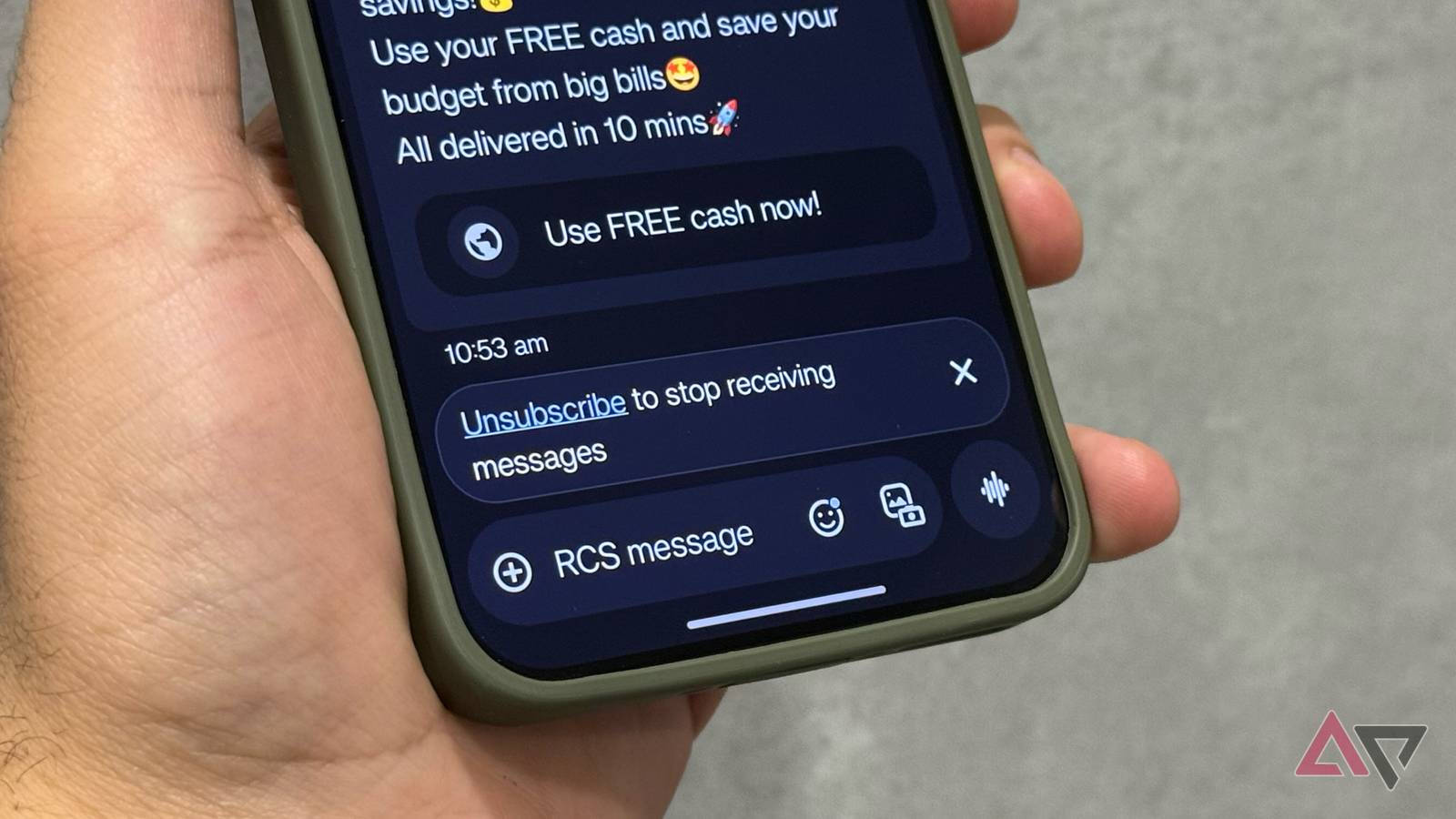
Just like other messaging apps on Android, Google Messages also allows users to copy and paste content to another app. However, it's a serious headache if you want to quickly copy only the link embedded in the messages on Google Messages. It takes way more time than it should because you have to copy and paste the entire message, and then delete everything other than the link.
However, this could soon become a thing of the past, as Google Messages may soon allow users to copy only the link from the messages. Android Authority has managed to tweak the public beta version (20260113_01_RC00) of the Google Messages app to enable the feature on their devices.
After enabling the feature, folks over at the publication found out that long-pressing the message bubble showed a "Copy" button at the top and a new "Copy URL" option in a pop-up menu. The "Copy" button isn't anything new, as it allows users to copy the entire message. If you are more interested in the link, you'd need to tap the "Copy URL" option in the menu.
While this is way more convenient than copying the entire message and then extracting the link, Google should also allow users to long-press the link to copy it, because that's a natural user instinct. Since this feature is in the testing phase and not available to the public, it is unclear whether the current implementation of the new "Copy URL" feature allows long-pressing the link to copy.
Rate this article
Login to rate this article
Comments
Please login to comment
No comments yet. Be the first to comment!